Starting today, you can use regular 2D video in your Warp VR scenarios. Shoot it on a phone, a DSLR or whatever camera you already own. Upload it and build with it the same way you build with 180° and 360° media today.
On paper that's a feature. For us it's a bigger step, and I want to explain why.
Warp VR started with 360° video, and immersive media remains a core part of what we do. But when we look at why our customers choose us, the headset was never the point. The story is.
Warp is a platform for branching, story-based learning. A learner faces a situation, makes a choice and lives with the consequences. The conversation escalates or calms down. The patient improves or deteriorates. The customer stays or walks away. That is what makes practice stick: the decision in front of you, not the pixels around you.
That works in 2D just as well. A difficult conversation with an employee, a customer complaint at the counter, a first sales call. Much of what people need to practise is about what you say and decide, not about looking around a room.
The format should follow the training. Some training needs immersion. Confined-space entry, an emergency on the ward, a hazard on the factory floor: there, presence is the lesson. Other training doesn't need it, and forcing it into 360° makes creation more complicated without adding any tangible value to our clients. From now on you have the freedom to choose your format per scenario, or even per scene.
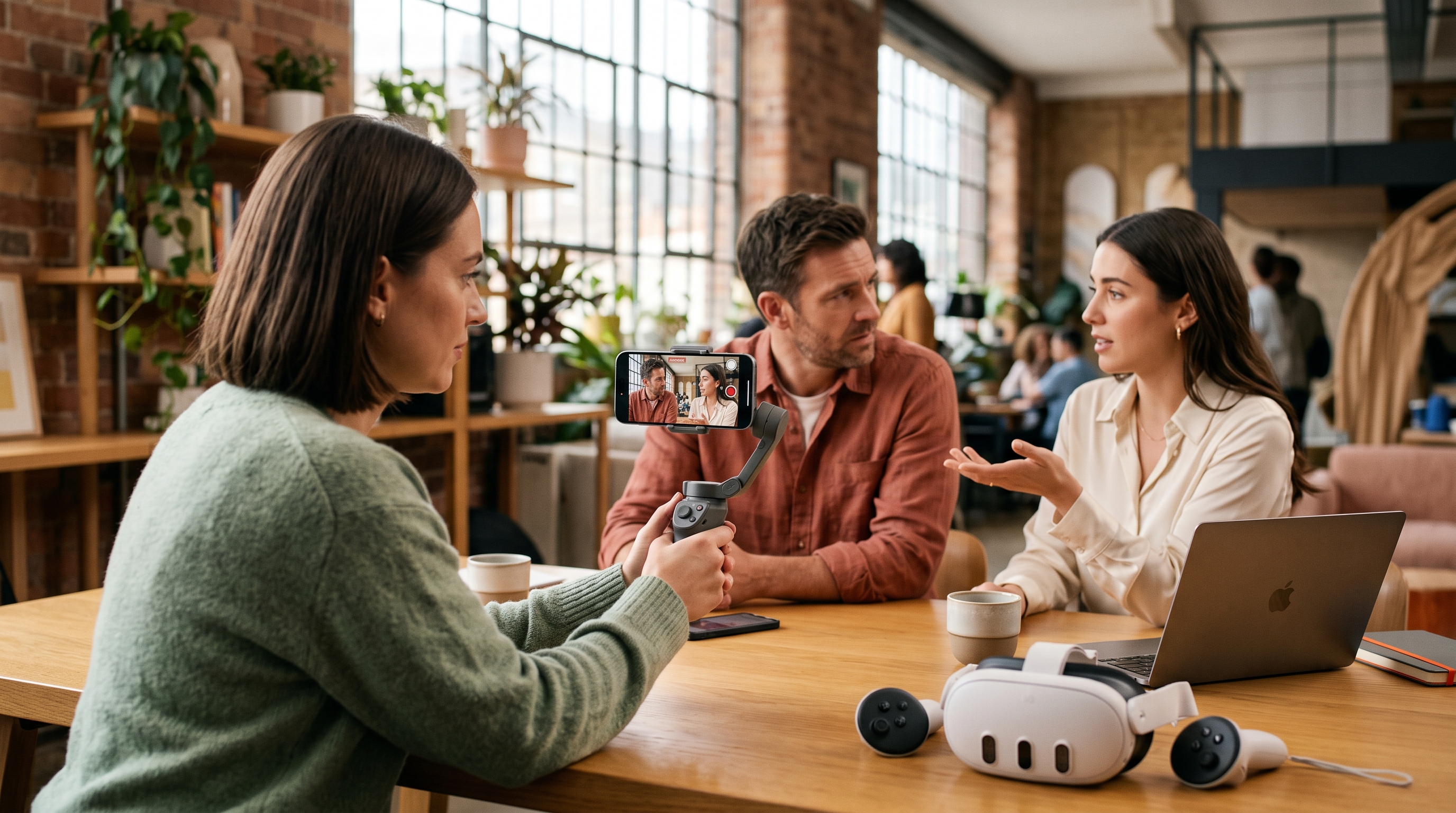
2D is easier to film. 360° filming has its own rules. There is no "behind the camera", the crew has to hide, and you're lighting an entire room. 2D is the video your team already knows how to make: point, frame, shoot. Close-ups of faces, hands, screens and equipment become easy, and that's often exactly where the learning happens. You can also reuse video you already have.

Fewer reasons to say no. We regularly talk to organisations that love the idea of scenario-based training but stop at "we don't have headsets" or "we don't have a 360 camera." Those reasons are gone. You can build a scenario this week with the camera in your pocket and get it to learners in a browser the same day.
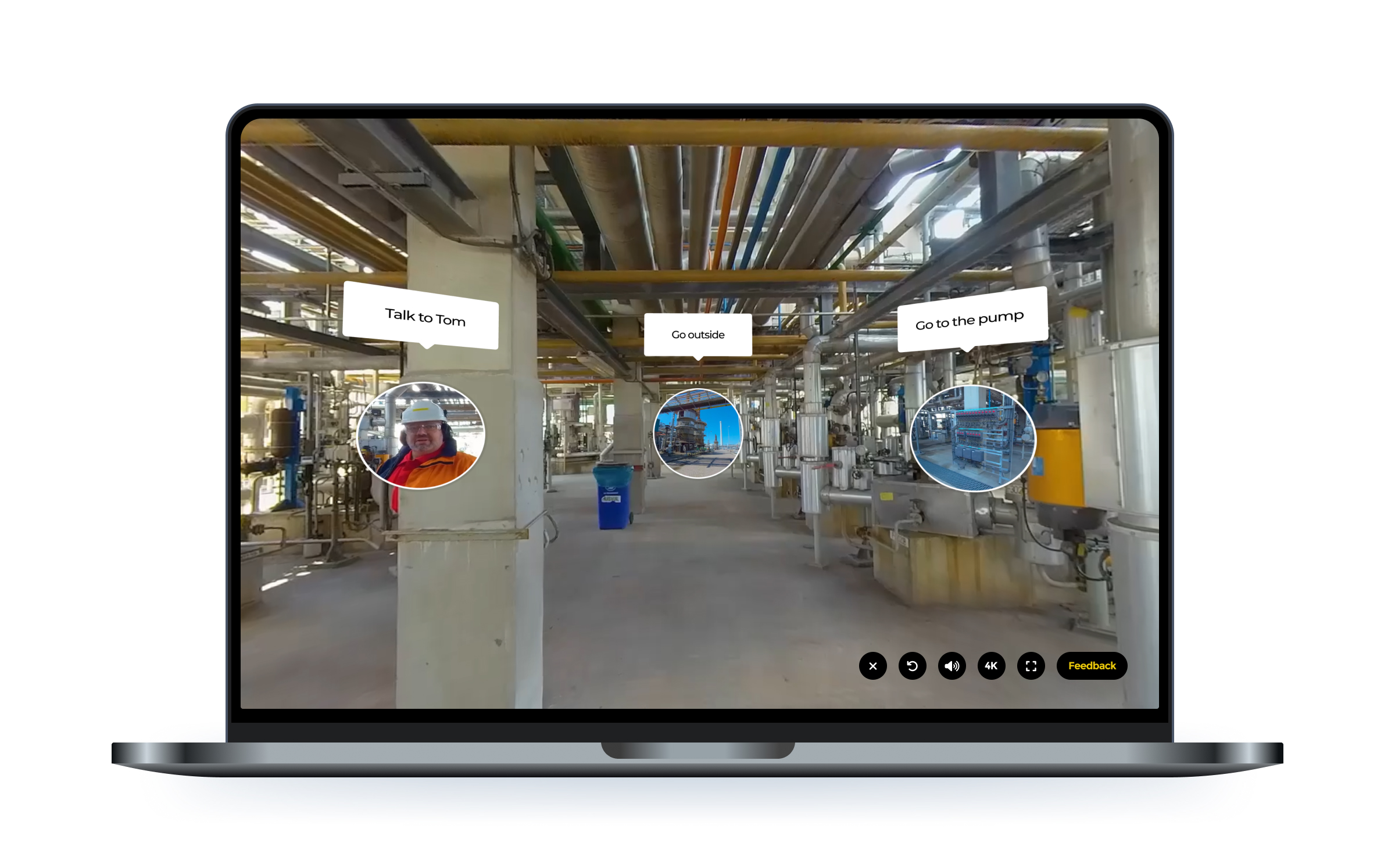
You don't have to pick one format per scenario. Combine 2D, 180° and 360° within the same branching story. Open in 360° to place the learner in the space, then cut to a 2D close-up of the conversation or the control panel. Use each format where it does the most work.
Everything else stays the same: the same editor, the same branching logic, the same scoring and analytics, the same AI Scenario Builder.
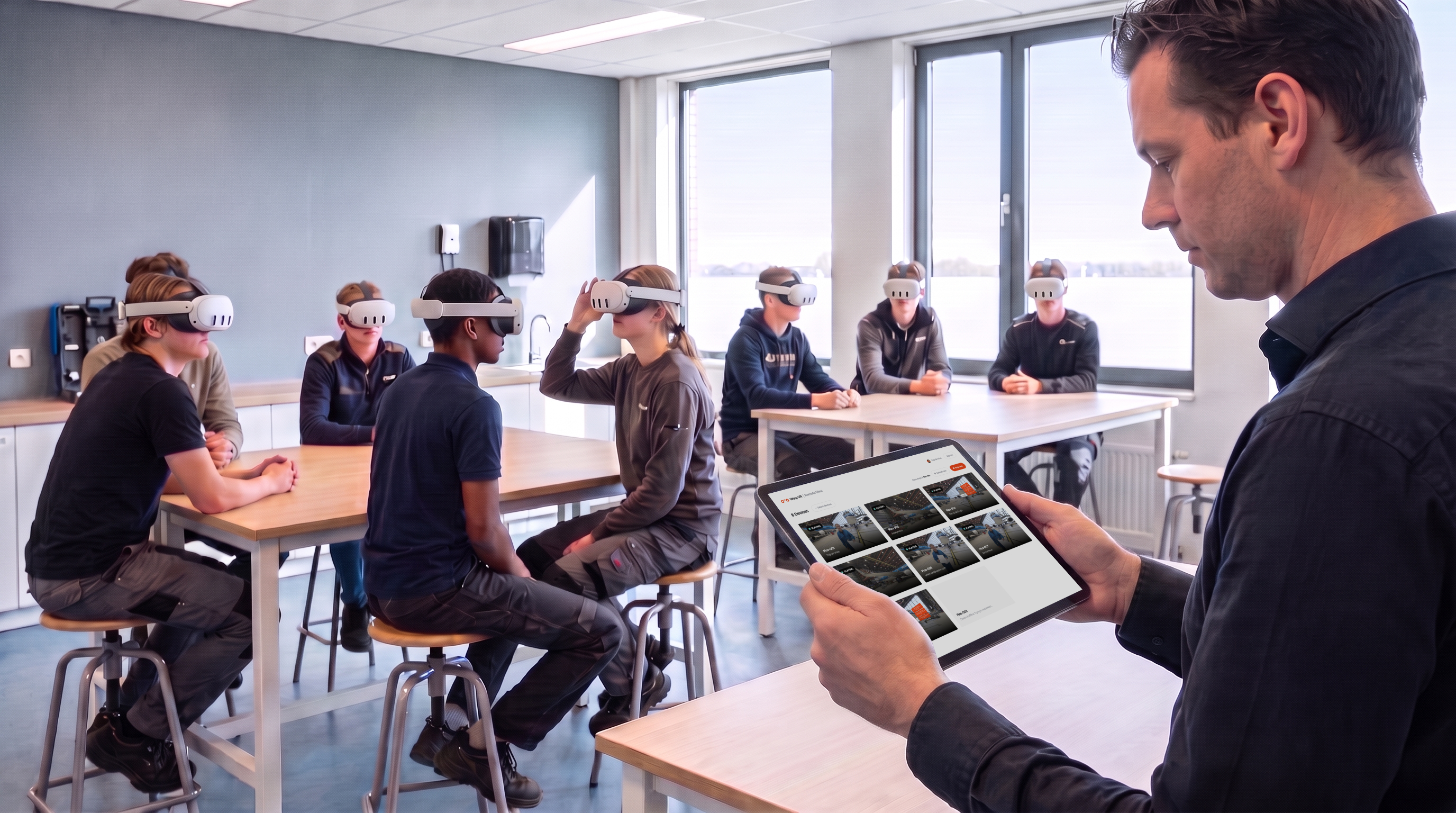
Every scenario still plays on every device: browser, mobile, tablet and VR headset. That includes 2D video inside a headset, shown on a large virtual screen. If you've invested in headsets, they stay fully useful, and your learners find all their training, flat or immersive, in one place.
2D video is available today in all workspaces on all plans. Upload a regular video file to any scene, just as you would with 360°.
Not sure which format suits your training? Book a call and we'll help you choose.