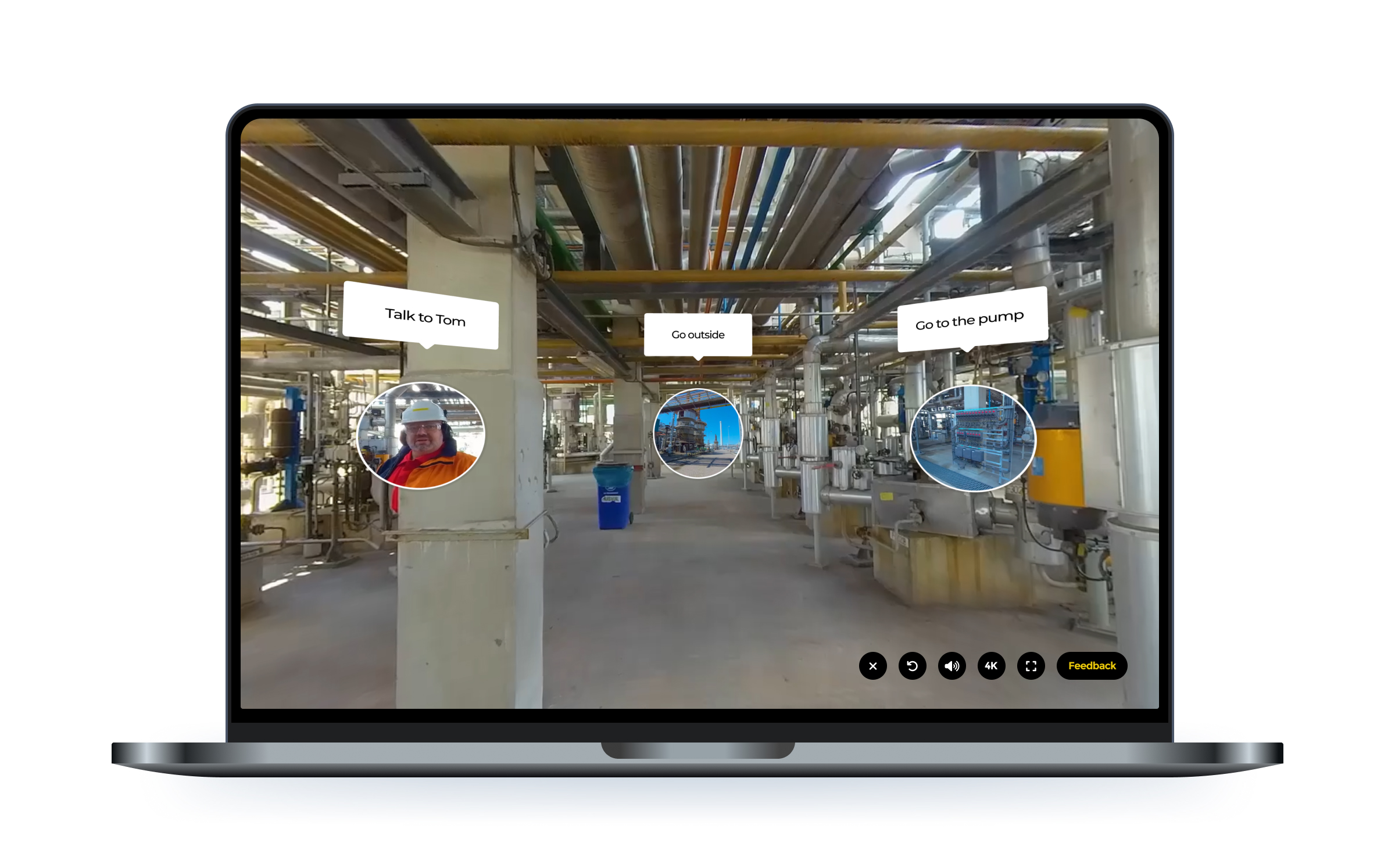
Hotspots are one of the most used interactive elements in Warp VR. Learners use them to explore a scene, inspect equipment, spot hazards and make choices. You asked us for more control over how they look and where they sit. Today we're shipping a big upgrade.
Until now, you picked one of three fixed sizes for a hotspot. That's gone. You can now resize every hotspot freely and rotate it to any angle, so it lines up exactly with the object it belongs to. A valve, a door handle, a label on a machine: the hotspot fits the object, not the other way around.
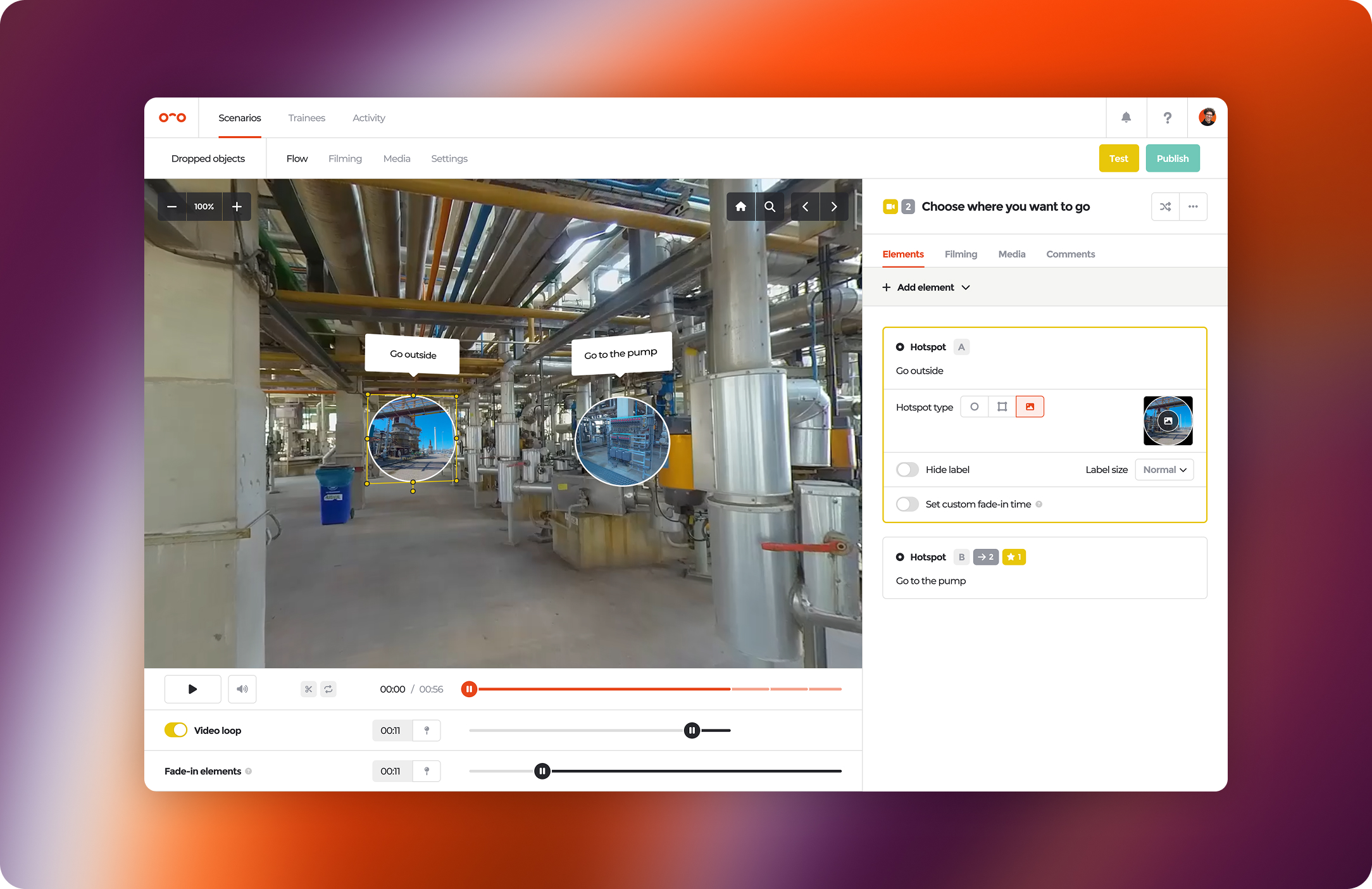
You can now use any image as a hotspot, including PNGs with a transparent background. Bring your own icon set so hotspots match your house style, or make an object in the scene clickable with a cut-out image of it. Image hotspots can be resized and rotated just like regular hotspots.
Sometimes a circle is not the right shape. With polygon hotspots, you draw your own vector shape directly on the scene, in any shape and size, and that shape becomes the clickable area. Outline a control panel, a patient's arm or an exact section of a shelf, and only that area responds. The result: more precise interactions and fewer accidental clicks.
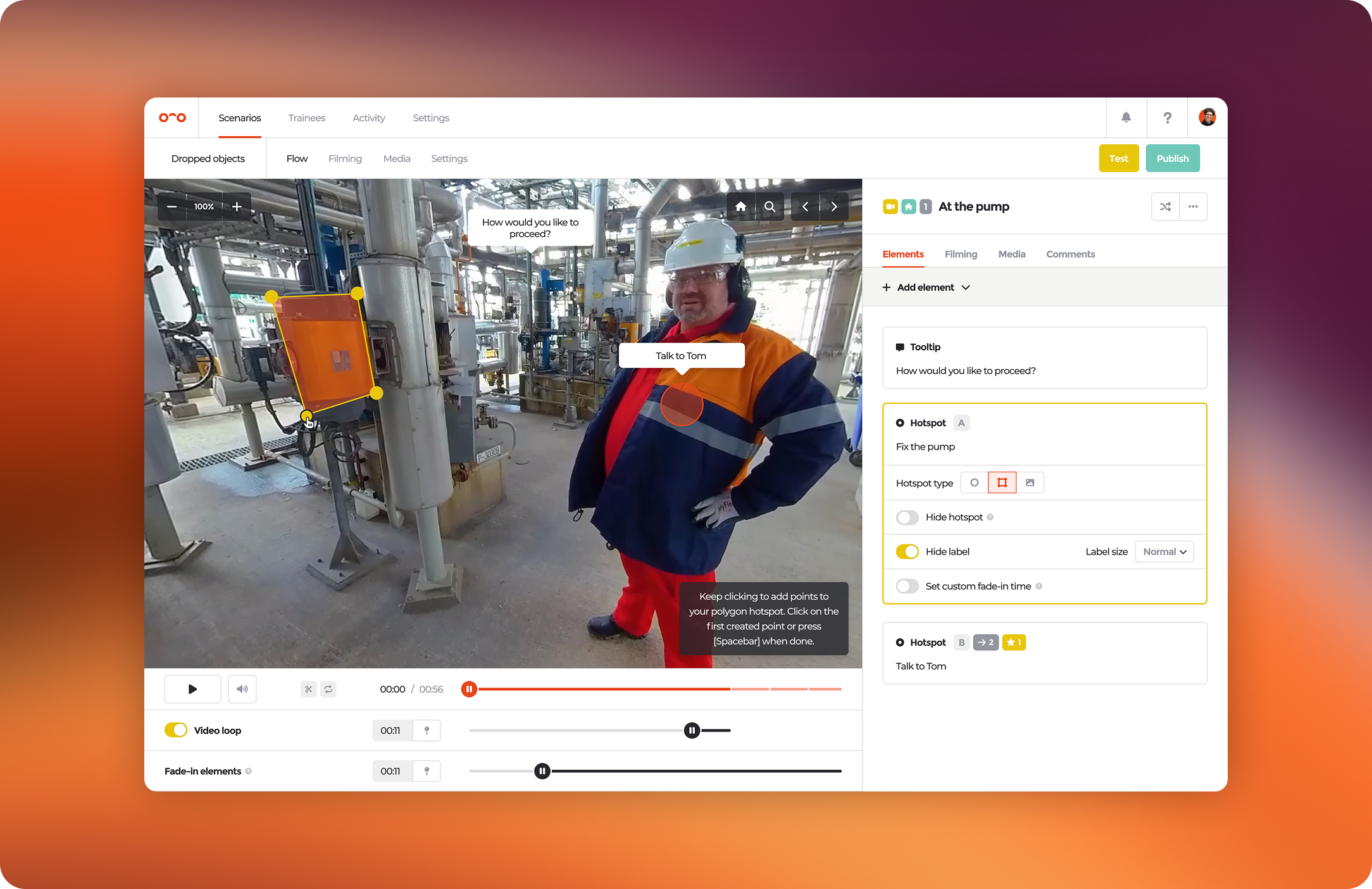
All hotspot improvements are available today in Warp Studio and in all Warp VR apps.
Open a scenario, select a hotspot and try it out.