
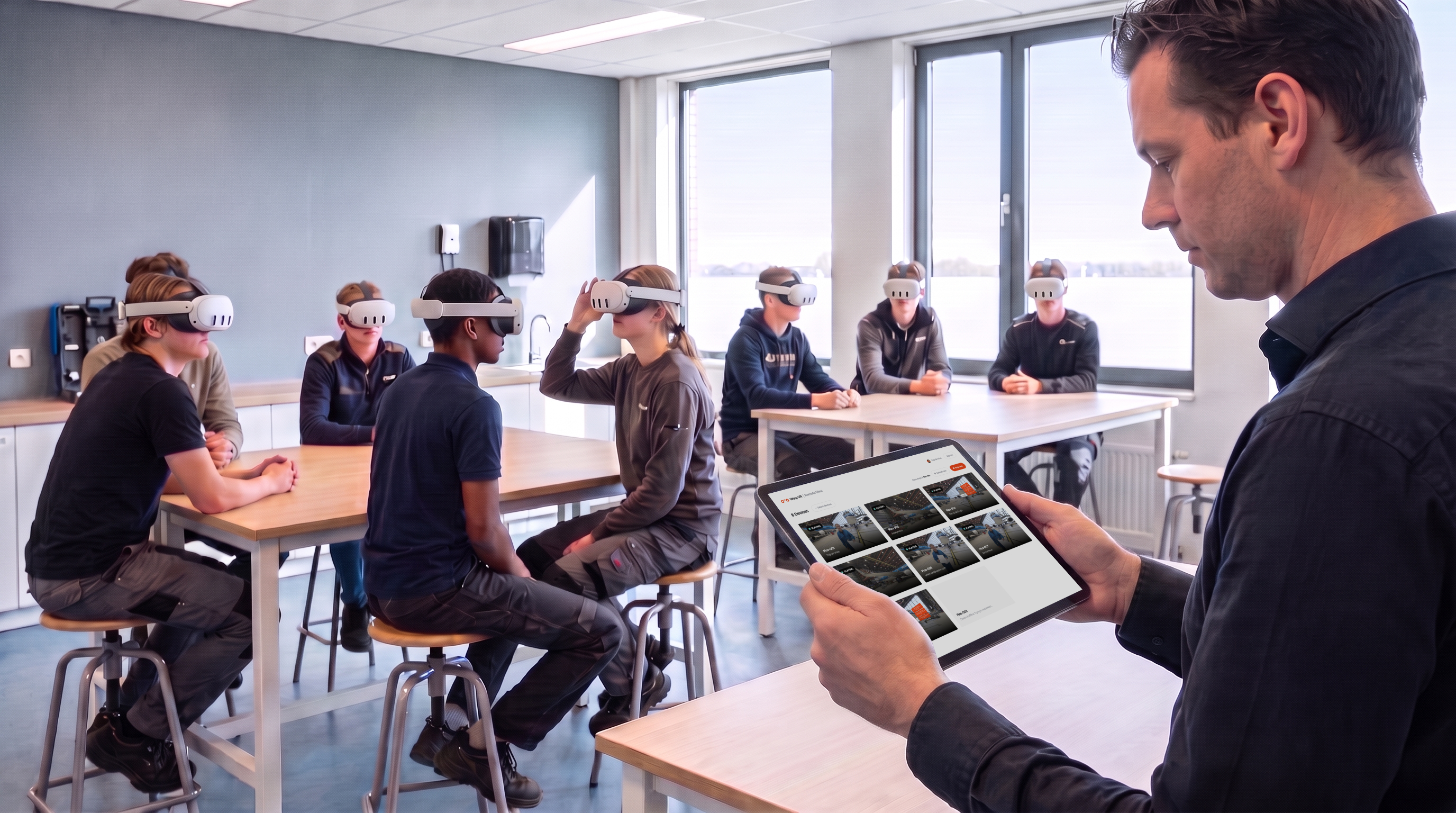
Running a VR training session with a room full of trainees has always had one blind spot: once the headset goes on, you can't see what's happening inside it. You watch people turn, hesitate, or nod, but instructors can't actually see what learners see in real time.
Warp VR Remote View removes that blind spot. It's a separate application that streams live, in real time. Whatever your trainees are seeing inside their VR headset you'll see on your laptop or the screen in the room.
Open Remote View, connect to the headsets in your session, and you see exactly what each trainee sees. Every scene, every choice, every hesitation, as it happens.
That changes what a facilitator can do during a session. You can spot the moment someone takes a wrong turn, notice which scene consistently trips people up, and step in with help at the moment it's needed instead of afterwards.
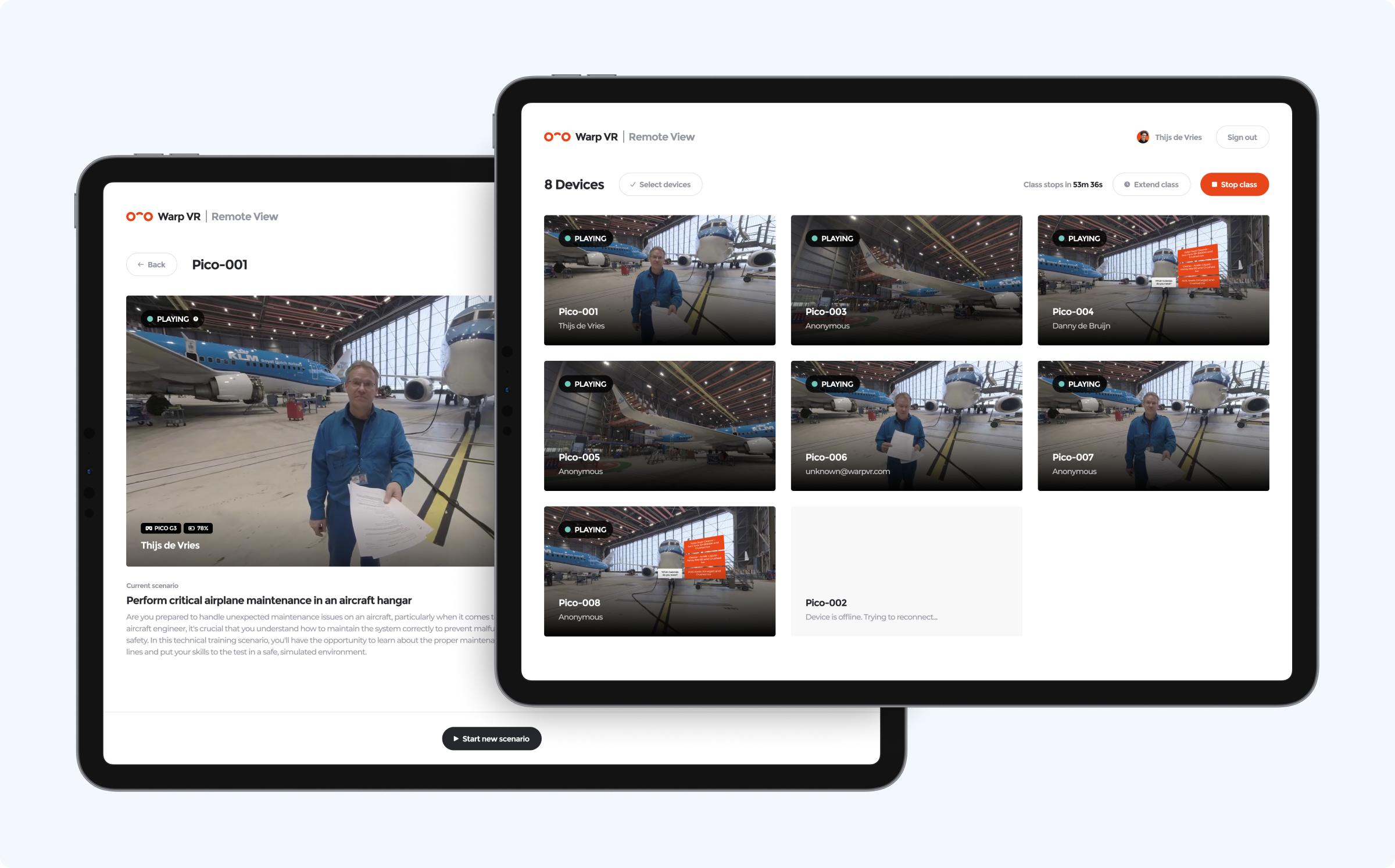
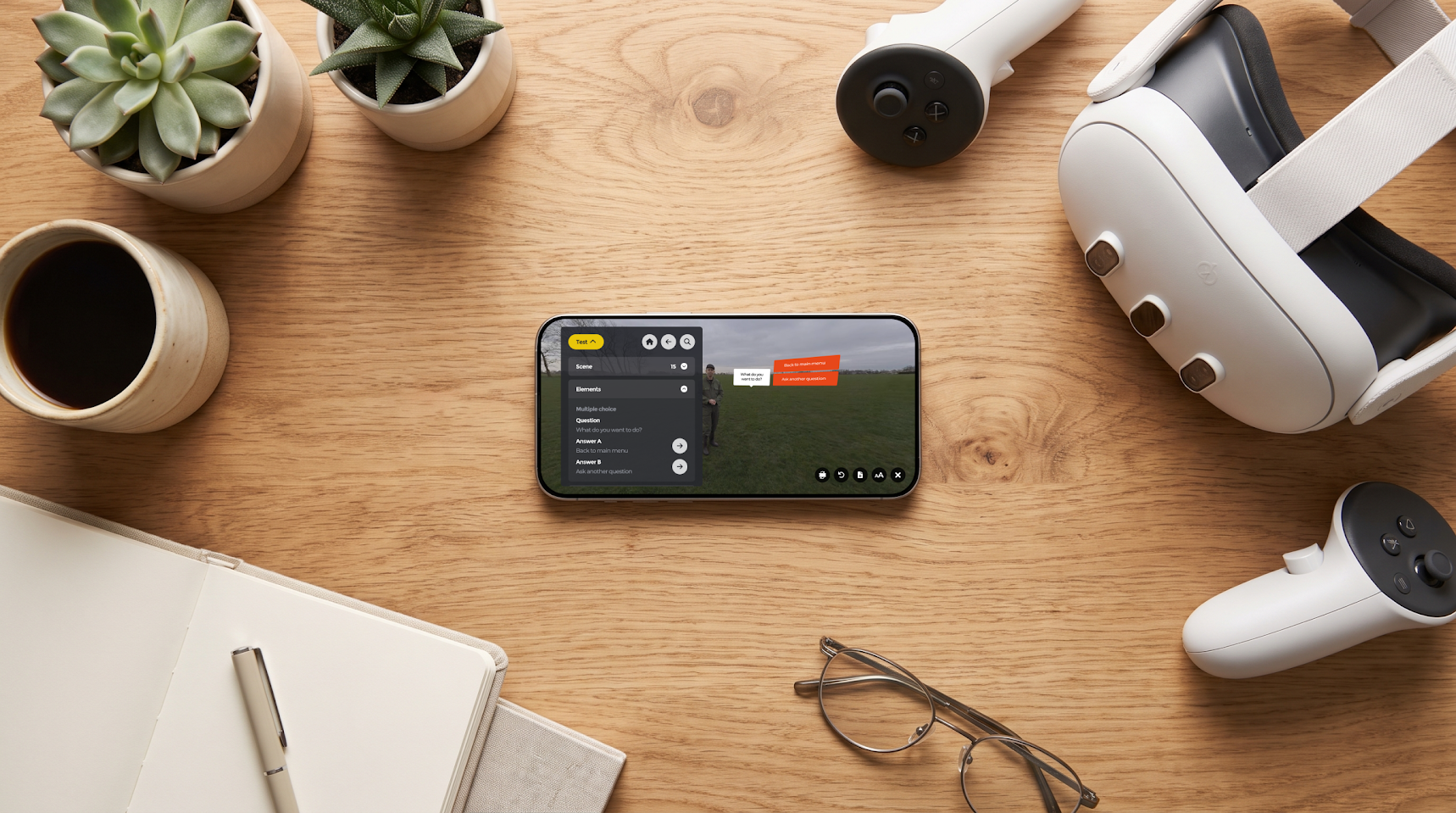
Remote View doesn't just mirror the video. It shows the trainee's current score as it builds up, together with the decisions that led there.
That context is what makes a debriefing land. Instead of "you scored 6 out of 10", you can point to the exact moment a choice went wrong and talk it through with the group while it's still fresh. For assessments, it gives the assessor a live, verifiable view of performance rather than a report generated after the fact.
Anyone who has run a classroom session knows the routine: walk from trainee to trainee, help each one find and start the right scenario, then repeat it for the next round.
From Remote View you can start a scenario on multiple headsets simultaneously. Everyone begins at the same moment, on the same scenario, and you stay at the front of the room. Sessions start faster, run tighter, and you spend your time facilitating instead of troubleshooting.
Remote View is built for anyone running VR training with a group rather than handing out headsets one by one:
Remote View is available as an add-on to your Warp VR subscription for €135 per month (including the annual discount). And starting today, you can try it free for 30 days.
Activating it takes a minute: go to the Subscription page in your workspace settings and start the trial. Then open remote.warpvr.com, sign in with your Warp VR account, and connect your headsets.
Curious what your trainees have been seeing all this time? Start your free trial and find out. As always, we'd love to hear what you think.
%20(1).png)